Best Price Tracking Browser Extension Picks
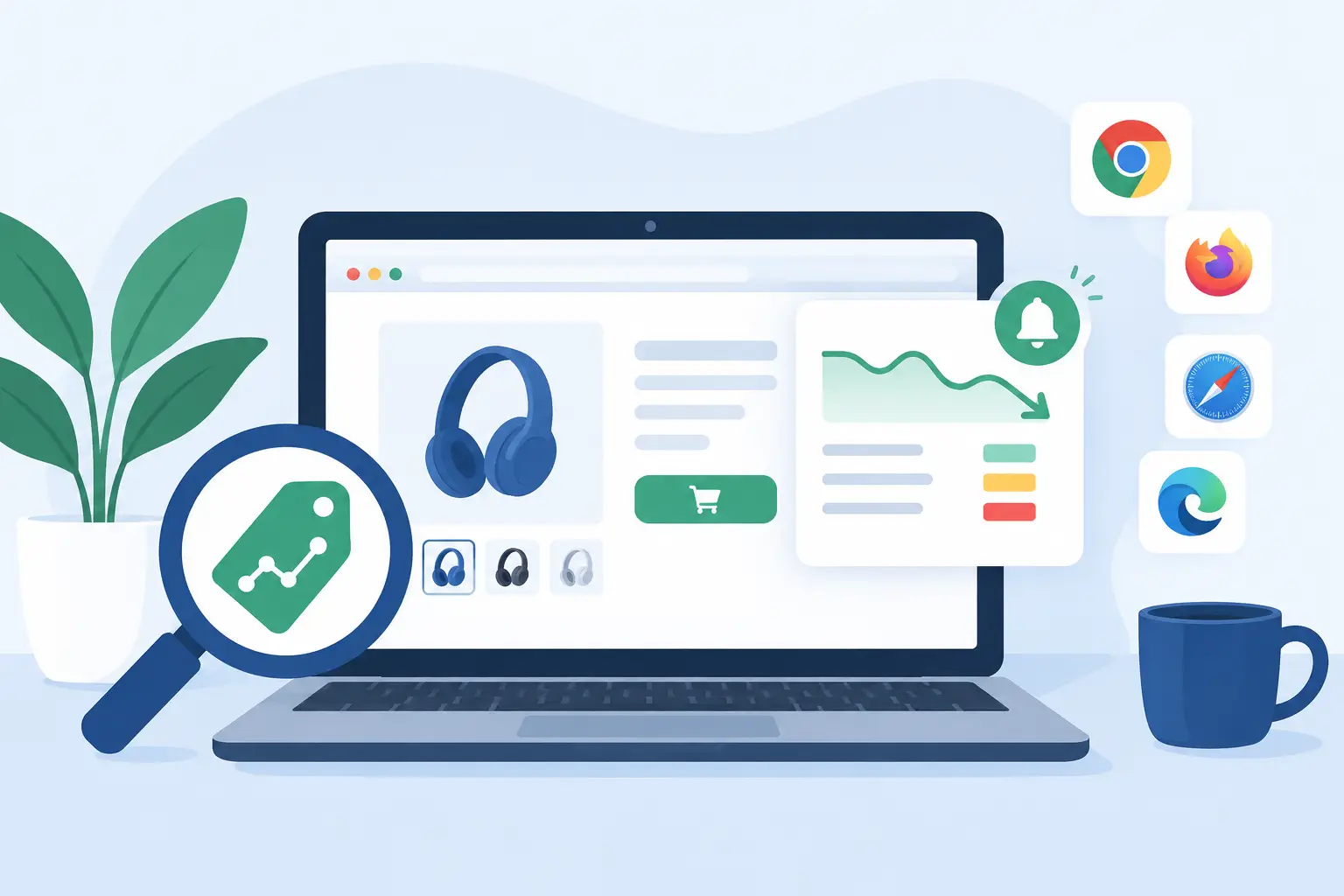
A crossed-out price is not proof of a deal. Retailers can choose the reference price, run the same “sale” for weeks, or raise a price shortly before discounting it. The best price tracking browser extension gives you something more useful than a coupon pop-up: evidence that the current price is actually low enough to buy.
That distinction matters most on expensive purchases, but it adds up on everyday shopping too. A $40 blender that has sold for $28 all year is not a bargain at $34, even if the product page says you are saving 40%. Before you install any extension, decide what job you need it to do: track a product over time, find a lower price elsewhere, apply a coupon, or tell you whether the advertised sale is real. Those are related tasks, but they are not the same thing.
What the best price tracking browser extension should prove
A useful extension should answer a simple question quickly: Is this price below what shoppers usually pay? To do that, it needs enough reliable price history to put today’s number in context. A single previous price is weak evidence. A view of the last several months, including common sale prices and normal non-sale prices, is much harder for retail marketing to disguise.
Look for a tool that shows the actual price trend, not just a badge saying “good deal.” The badge may be convenient, but you should be able to inspect the reason behind it. If an extension calls a price a bargain without showing a baseline, the verdict is mostly a marketing claim of its own.
Coverage matters too. An extension can be excellent for Amazon and nearly useless for a shopper comparing Walmart, Target, Best Buy, Home Depot, Lowe’s, Wayfair, B&H, or Chewy. No tool covers every retailer or every product equally well. The right choice depends on where you shop, but broad retailer support reduces the chance that you are making a decision with half the evidence.
A good tracker also recognizes product matching problems. A retailer may list a similar-looking model with fewer accessories, a different storage size, or an older generation at a lower price. That is not a lower price for the same product. When comparing offers, check the model number, size, color where relevant, warranty terms, and whether shipping changes the final cost.
Price history beats retailer “was” prices
The biggest red flag is a deal that looks dramatic only because the retailer’s reference price is unrealistic. List price, MSRP, and “was” price can be useful labels, but they are not a market baseline. If a gaming monitor is labeled down from $499 but has regularly sold for $329, the meaningful comparison is $329, not $499.
Price history gives you three useful signals. First, it shows whether today’s price is genuinely below the product’s usual selling price. Second, it reveals whether the product drops this low often. Third, it helps you judge whether waiting is sensible or whether a rare low is worth taking.
That last point is where shoppers can overcorrect. The lowest price ever is not always the price you should wait for. A one-day clearance event, a pricing error, or a discontinued color may never return. If today’s price is well below the established usual price and you need the item now, waiting for an all-time low can cost more in time and inconvenience than it saves.
On the other hand, a price that returns every few weeks is a clear WAIT signal. This is common with small appliances, headphones, pet supplies, basic tools, and seasonal home goods. An alert is more valuable than an impulse purchase when the history shows the retailer is likely to blink again.
Features that matter more than coupon hype
Coupon tools have a place, but they are often mistaken for price trackers. A coupon may lower your checkout total, yet the product can still be overpriced. Treat coupons as an extra layer after you have checked the underlying price.
For practical shopping, prioritize these capabilities:
- A clear price-history chart that covers enough time to show normal pricing patterns.
- Price-drop alerts based on a target price you choose, not only alerts selected by the extension.
- Support for the retailers you actually use, including major US stores beyond Amazon.
- Product-specific comparisons that account for exact models and variations.
- A visible explanation of how the tool reaches its deal verdict.
- Privacy terms that clearly explain whether browsing or shopping data is sold, shared, or used for ad targeting.
You do not need every feature. Someone buying computer parts may care most about model-level history and fast alerts. A parent restocking diapers or pet food may care more about repeat-purchase alerts and retailer coverage. A home-improvement shopper may want to compare local pickup, delivery charges, and bundle contents before treating a lower sticker price as a win.
Watch for blind spots before you trust a verdict
Every price tracker has limits. Marketplace listings can change sellers, condition, shipping costs, and fulfillment method without making those changes obvious. A low price from an unfamiliar third-party seller is not automatically comparable to a retailer-direct offer with easy returns. Check the seller and final checkout price.
Dynamic pricing causes another problem. Airlines, hotels, grocery delivery, and some local inventory systems can vary by location, account, membership status, or time of day. A browser extension may capture the displayed price accurately while still lacking the context needed to call it a universal deal.
Membership pricing needs separate treatment as well. If a product is cheaper only with a paid membership, store card, subscription, or rebate that arrives later, do not compare it directly with a public price unless you would have paid for those conditions anyway. The lowest number is not always the lowest cost.
Be skeptical of extensions that promise coverage everywhere but provide no data when they cannot verify an item. A trustworthy tool should be comfortable saying it does not have enough history. An unsupported verdict is worse than no verdict because it encourages false confidence at checkout.
How to use a price tracker without overthinking it
Start on the product page, not on a generic deal page. Confirm the exact item and inspect its recent price history. If the current price is below the usual range and close to previous lows, buy if the item fits your budget and timeline. If it is near its normal price, skip the urgency language and set an alert.
For larger purchases, compare at least two retailers after checking the model number. Factor in shipping, pickup availability, return policy, installation, and bundles. A $20 lower price is not necessarily better if the cheaper retailer has a short return window or leaves out a necessary accessory.
Then use a simple decision rule. BUY when the price is meaningfully below its normal level and the item meets your needs. WAIT when the history shows regular lower prices or a predictable sale period is close. SKIP when the “discount” is based on an inflated reference price, the product is not the exact version you want, or the final cost is not competitive. FAIR is a valid answer when the price is normal and you need the item now.
That approach is the value of a price-tracking tool that treats evidence as the product. Worthitforyou, for example, evaluates a full year of real pricing where available and separates a retailer’s promotional claim from an established usual price. The useful part is not a louder sale badge. It is knowing whether the receipt can support the claim.
Choose the extension that matches your shopping habits
The best price tracking browser extension is not necessarily the one with the most coupon codes or the flashiest notification. It is the one that gives you credible history for the stores and products you buy, explains its limits, and does not turn your shopping activity into a mystery data source.
Install fewer tools, not more. Too many overlays slow down browsing, clutter checkout pages, and create conflicting prompts. Pick one source for price history and verdicts, then use it consistently enough to learn what normal pricing looks like in the categories you buy.
The next time a countdown timer tells you to act now, pause long enough to ask a better question: compared with what? If the answer is backed by real history rather than a retailer-controlled “was” price, you can buy with confidence. If it is not, waiting costs nothing.
BUY / WAIT / SKIP / FAIR come only from a product Check, never from a blog post.