How to Detect Dynamic Pricing Changes Online
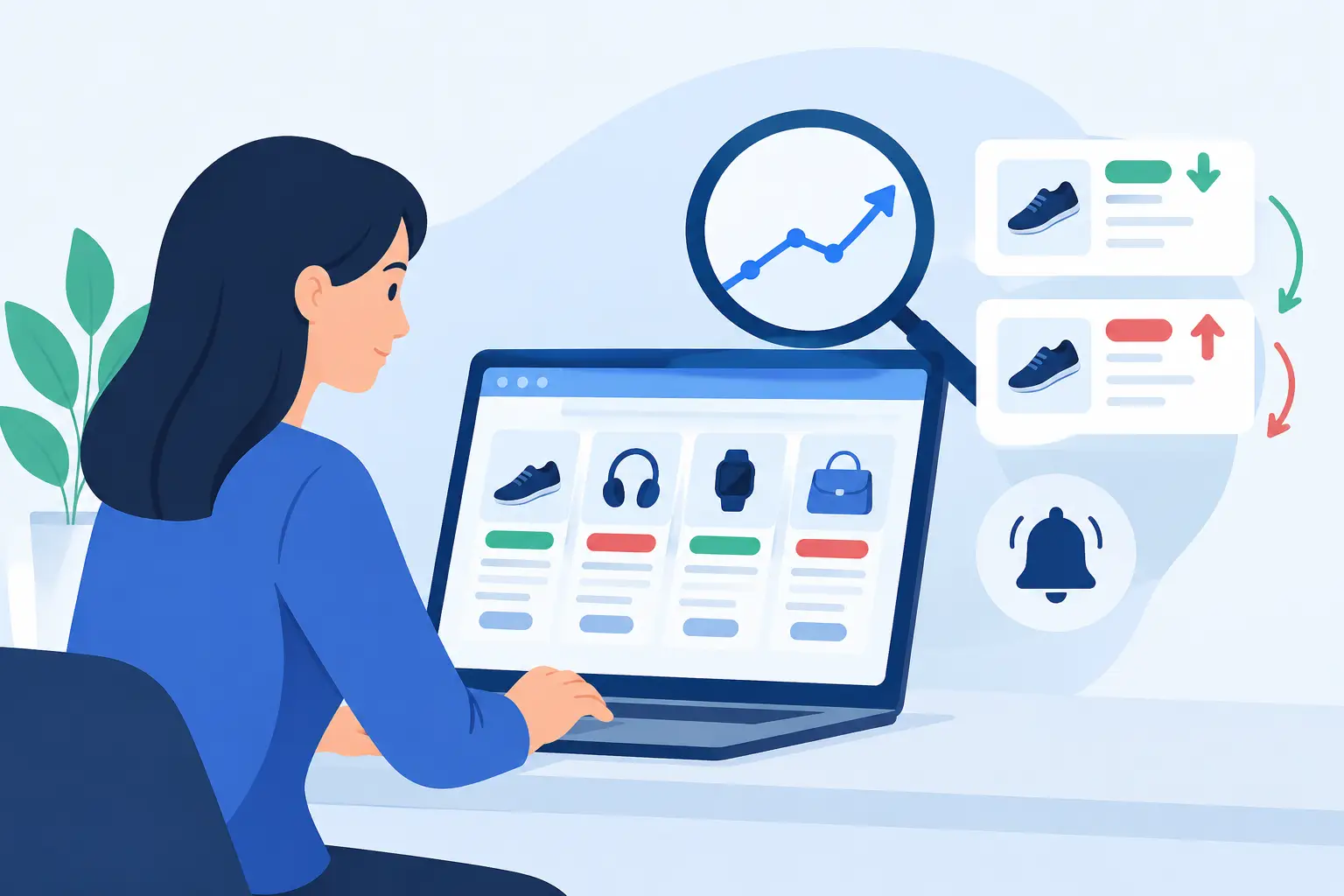
A $299 laptop that becomes $329 after you sign in is not a minor annoyance. It is a pricing signal. Learning how to detect dynamic pricing changes helps you catch shifts that retailer sale badges, crossed-out prices, and countdown clocks are designed to distract from.
Dynamic pricing is not automatically unfair. Retailers adjust prices for demand, inventory, competition, location, promotions, and shipping costs. The problem is simpler: a price can change quickly while the retailer still presents it as a major deal. Your job is not to guess the retailer's motive. Your job is to find out whether the price is actually good before you pay.
What Dynamic Pricing Looks Like in Real Shopping
Dynamic pricing means a product's price changes based on conditions that can move faster than a normal seasonal sale. A retailer may lower the price when a competitor cuts theirs, raise it after inventory drops, or offer different promotions through an app, email, membership program, or account.
Sometimes the change is visible. A product page says “price dropped” in the morning and shows a higher number by dinner. Other times it appears at checkout, after you enter a ZIP code, or when a bundle discount disappears. You may also see a lower price on mobile than desktop, or a lower displayed product price offset by higher delivery fees.
Not every difference is dynamic pricing. Tax depends on your location. Marketplace sellers can have separate prices. A coupon may require a membership or a minimum order. The practical question is whether you are comparing the same item, sold by the same seller, with the same fulfillment and conditions.
How to Detect Dynamic Pricing Changes Before Checkout
The fastest way to catch a moving price is to make the comparison repeatable. Check the exact product page, not a search result or ad. Confirm the model number, size, color, capacity, and seller. Then record the full cost, including shipping and any required membership fee.
Check more than the displayed price
Retailers know shoppers focus on the largest number on the page. That number may not be your final cost. Add the item to your cart and move through checkout far enough to see shipping, pickup availability, applied discounts, and any fees. Do not place the order just to inspect the total.
If the price changes between the product page and cart, take a screenshot of both screens. Note the time, your ZIP code, and whether you were signed in. That gives you a clean comparison instead of a vague feeling that something moved.
A sudden cart increase can have an innocent explanation, such as an expired coupon or a different seller being selected. But it can also reveal a promotion that was narrower than the product page suggested. Either way, the right response is the same: pause and verify.
Compare logged-in, logged-out, and app prices
Try the product page in a private browser window, where you are not logged in. Then compare it with the price in your regular browser and the retailer's app if you use it. Use the same ZIP code and product variation each time.
This does not prove that a retailer is charging you personally more. It does help you spot account-only offers, member pricing, app promotions, and location-specific availability. If one version is cheaper, read the terms before treating it as your price. A membership-only deal is real only if the membership cost makes sense for you.
Watch the price at different times
For a non-urgent purchase, check once in the morning and once in the evening for two or three days. Major changes often show up around retailer promotions, competitor sales, or low-stock periods. You do not need to refresh a page every hour. You need a small set of time-stamped checks that show whether the current price is stable.
This is especially useful for electronics, gaming hardware, tools, appliances, travel-related items, and seasonal products. Those categories can move quickly when demand spikes. It is less useful for a $9 household item where the possible savings are smaller than the time you would spend tracking it.
Price History Matters More Than a “Was” Price
A retailer-controlled reference price is weak evidence. A $200 item marked down from “$299.99” may look like a 33% discount, but that percentage tells you almost nothing if the product regularly sold for $205.
To judge the current offer, compare it with a meaningful usual price over time. A year of price history is useful because it captures holiday sales, clearance events, restocks, and ordinary weeks. It also exposes a common retail trick: raise or maintain a lofty reference price, then frame the normal selling price as a limited-time bargain.
Ask three practical questions:
- What has this exact item usually cost over the past year?
- How often has it been available at or below today's price?
- Is this a true low, or merely a familiar price with louder marketing?
The answer changes the verdict. If a $450 vacuum usually sells for $500 and is now $375, that is meaningful. If it usually sells for $380 and is now $375 with a “save $175” badge, the discount language is doing more work than the price.
Worthitforyou uses established price history rather than a retailer's “was” price to make that distinction. The goal is not to predict every future drop. It is to give shoppers evidence for a BUY, WAIT, SKIP, or FAIR decision while the product is still in their cart.
Separate a Real Price Drop From a Different Offer
Dynamic pricing can make comparisons messy because retailers change more than the headline price. A lower number is not necessarily a better offer.
Check whether the product is new, open-box, refurbished, or sold by a marketplace third party. Look for changes in shipping speed, return eligibility, warranty coverage, and included accessories. A $20 lower tool kit that omits the battery is not comparable to the kit you wanted. A cheaper TV from a third-party seller with difficult returns may not be a bargain either.
Bundles deserve extra skepticism. Retailers may advertise the combined “value” of accessories at their suggested retail price, even if those accessories are routinely discounted or unnecessary. Price the core item separately. Then decide whether you would have bought the extras anyway.
The same caution applies to coupons. A coupon that works only after you spend $100 more does not reduce the cost of the item you came to buy. Count it only if the qualifying extra purchases were already on your list.
When to Buy, Wait, or Walk Away
A changing price does not always mean you should wait. If the current price is clearly below the usual market price, the product meets your needs, and inventory is limited, buying can be sensible. Waiting for an imaginary lower price can cost more than the savings you are chasing.
Wait when the price is near its usual level, when the retailer's discount is based only on a questionable reference price, or when the item has a history of falling lower during predictable sale periods. A stable, ordinary price is not a bad price. It is simply not a reason to rush.
Walk away when the pricing becomes hard to verify. If the total changes repeatedly, the advertised product is not the one in your cart, or the supposed discount disappears under fees and conditions, do not reward the confusion. Another retailer, another model, or a later purchase may be the smarter move.
Keep Your Evidence Simple
You do not need a spreadsheet for every purchase. For expensive items, save a screenshot of the product page, cart total, and price-history verdict. For routine purchases, a quick check of the usual price may be enough. The amount at stake should determine how much research you do.
Retail pricing will keep moving. That is not the part you control. What you can control is whether a flashing sale label turns you into a rushed buyer. When the price changes, stop, compare the full offer, and judge it against what the item normally costs. A deal should survive inspection.
BUY / WAIT / SKIP / FAIR come only from a product Check, never from a blog post.